Sonography & Diagnostic Center Envelope PLP File Design

Karan Ghongade
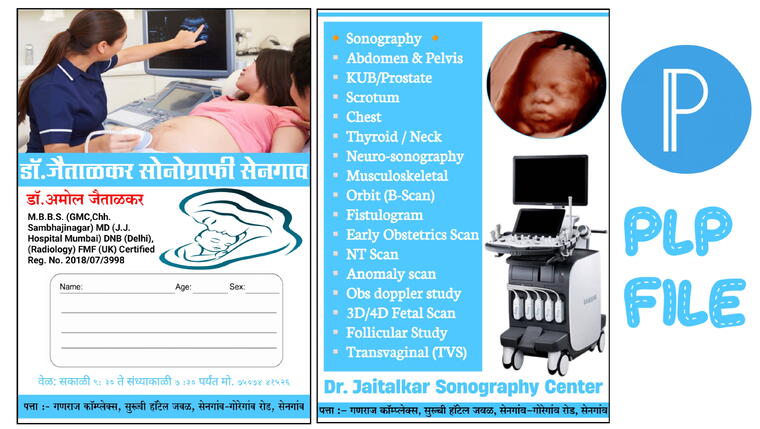
When running a diagnostic center, sonography clinic, or hospital, the way you present medical reports to your patients speaks volumes about your professionalism. A well-designed Sonography and Diagnostic Envelope not only keeps medical records safe but also serves as a powerful branding tool for your clinic.
If you are a graphic designer, a print shop owner, or a clinic administrator looking for a quick, mobile-friendly way to design custom report envelopes, this Premium Envelope PLP File is exactly what you need. With this file, you can design professional envelopes directly on your smartphone without needing a heavy computer or complex software like Photoshop.
A PLP file is a project file used by the popular mobile graphic design app called PixelLab. It contains all the layers, text, fonts, colors, and graphics of a design. By importing a PLP file into PixelLab, you get complete access to edit and customize the design as per your specific requirements right from your Android phone.
Editing this template is incredibly simple. Just follow these steps:
Ready to create a professional impression for your diagnostic center? Click the secure payment and download link below to get instant access to the premium Sonography Envelope PLP file.
Important Note: The download link above is a secure Razorpay checkout page. Once you complete the process, you will be able to download the ZIP or PLP file immediately. Please ensure you have the PixelLab app installed on your Android device to open and edit this file.
Elevate your clinic's branding today with this easy-to-use, professional PixelLab template. If you have any questions about the editing process, feel free to explore basic PixelLab tutorials on YouTube!